
Person photo
Live workspace
GPT Image 2.5 Image Generator
Change outfits on your own photo — the person stays, the clothes change.
Rendering with GPT Image 2 while GPT Image 2.5 rolls out.
Start with free creditsGPT Image models
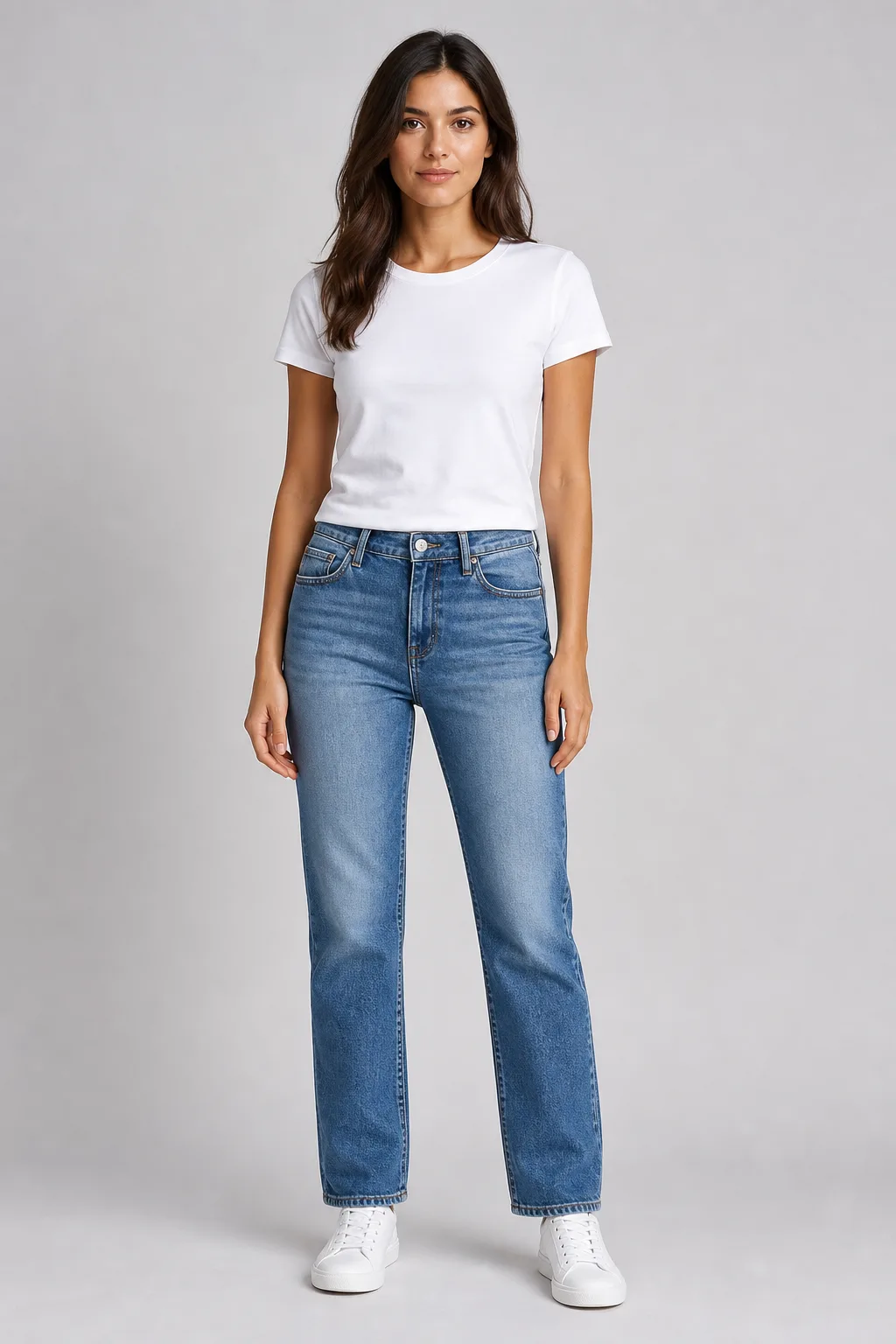
Try-on inputs
Camel coat look
Outfit photo
Use the image icon to pick from your asset library. All appears only when photos overflow.
Describe your look (Optional)
68/120
Advanced options
Outfit intensity
Keep face identity
Preserve facial features while changing clothes
- Looks like you
- Realistic results
- Privacy first
Real outfit try-on results
Drag the slider to compare the original photo with an AI clothes change — same person, new outfit.
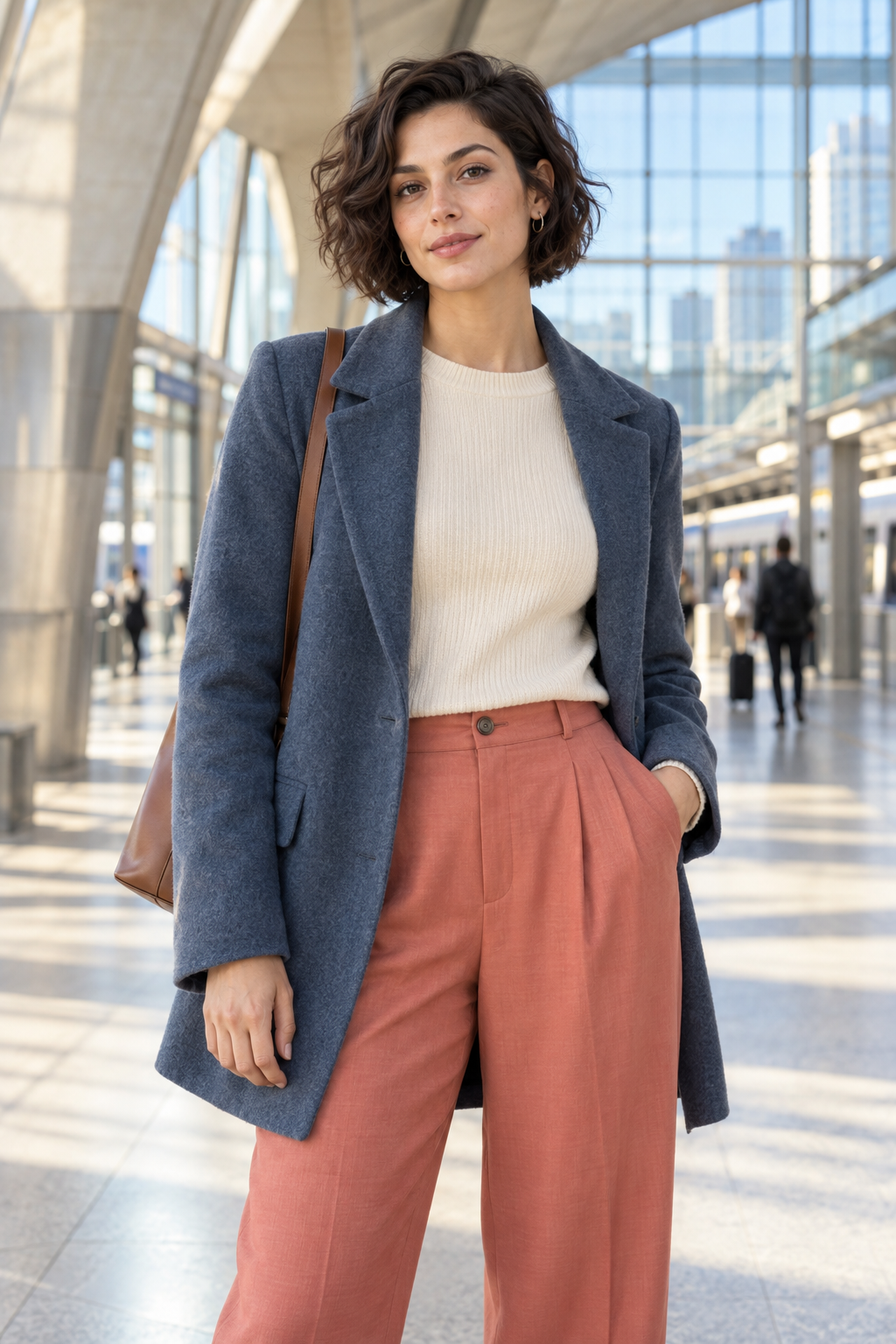 Before
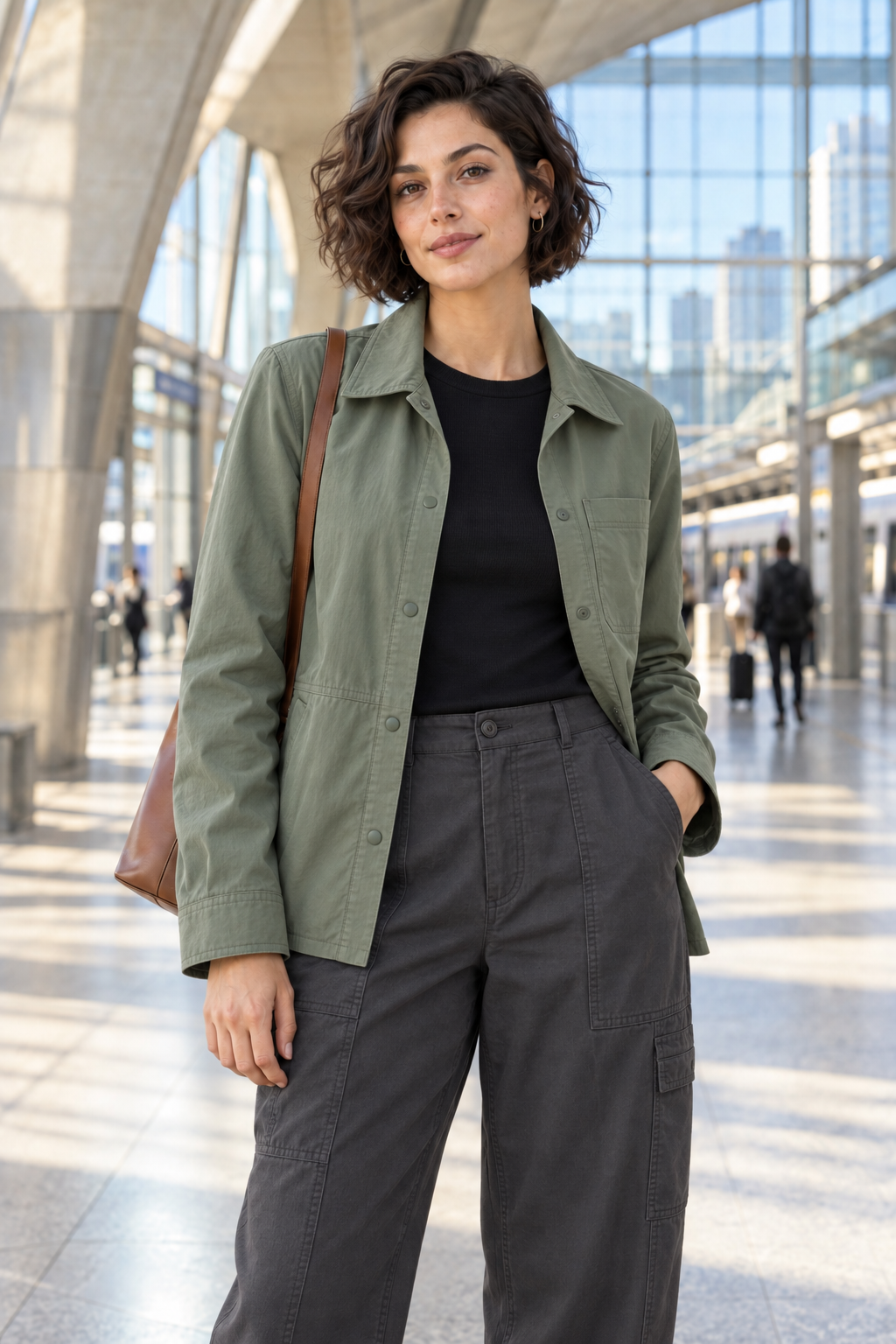 After outfit change
What can GPT Image 2.5 do for outfit try-on?
Every capability below maps to a real virtual fitting workflow — not generic model hype.
Keeps the person intact
Face, hair, and pose stay stable while clothes swap — the core requirement for believable outfit try-on.
Edits one region at a time
Change a collar or jacket without repainting the background or washing out skin tones.
Fabric detail stays stable
Weave, folds, and seams hold up for ecommerce detail pages instead of turning mushy after one edit.
Survives multiple revisions
Swap color, fabric, then style five times in a row without stacking noise across the portrait.
Clean text and labels
When you add logos or print graphics to garments, lettering stays readable instead of melting into artifacts.
GPT Image 2.5 vs GPT Image 2 — what changed?
Each row is a friction point outfit editors hit on GPT Image 2 — and how 2.5 is meant to feel in a clothes-changer flow.
GPT Image 2GPT Image 2.5
GPT Image 2
Local edits sometimes bleed into adjacent regions — change a shirt and the background smears.
GPT Image 2.5
Cleaner region isolation keeps shoulders, hair, and backdrop untouched during outfit swaps.
GPT Image 2
Multi-pass revisions can accumulate grain — five collar tweaks and the face starts to drift.
GPT Image 2.5
Iterative edits stay cleaner so you can refine color, fabric, and fit without dirtying the portrait.
GPT Image 2
Text and label rendering looks plausible but is unreliable for branded garment graphics.
GPT Image 2.5
Sharper layout and text control when you add logos, tags, or print details to outfits.
Outfit change prompts you can copy
Bookmark-friendly templates for ecommerce, seasonal swaps, and formal looks — paste straight into the workspace above.
Model shot on pure white ecommerce background
Keep the same person, pose, and face. Replace the outfit with a minimal beige knit sweater and dark jeans. Place on a seamless pure white studio background with soft catalog lighting.
One garment, five style directions
Same model and camera angle. Keep the navy blazer but restyle it across five looks: street casual, smart office, evening dinner, weekend travel, and creative studio portrait.
Seasonal swap — summer to winter
Preserve identity and background city street. Change the light summer dress into a layered wool coat, scarf, and boots while keeping natural winter lighting.
Change top only, keep everything else
Edit only the upper garment. Keep pants, shoes, pose, face, and background unchanged. Swap the t-shirt for a structured white button-down with realistic fabric folds.
Formal dinner look in one pass
Same person, same pose. Replace casual clothes with a black tailored suit, white shirt, and subtle pocket square. Add warm indoor event lighting.
Fabric replacement — cotton to leather
Keep the jacket silhouette and model identity. Convert the cotton bomber jacket into black leather with realistic specular highlights and creases.
Add a clean chest logo
Keep the outfit and model unchanged. Add a small embroidered brand mark on the left chest — crisp sans-serif lettering, no distortion, no extra text elsewhere.
AI Fitting pricing
Pick a plan for GPT Image outfit try-on
Start free with credits, then upgrade when you need more try-on volume for listings and campaigns.
Questions about GPT Image outfit try-on
Answers aligned with what people ask when searching for GPT Image 2.5 — with a clear focus on outfit try-on.
OpenAI pricing varies by plan and API tier. On AI Fitting you can preview outfit changes with complimentary credits after joining the waitlist — no card required to start.
Join the AI Clothes Changer waitlist
Get notified when full GPT Image 2.5 outfit try-on lands in AI Fitting — plus early free credits to test on your own photos.
No credit card requiredFree to browse